ALL WORKS · 4K TV ART IN GOLD
4K TV Art in Gold
29 horizontal 16:9 works by Raul Gabriel Nagy – gold mosaic portraits, trees of life, nautilus spirals, blueprints and hummingbirds – made to fill a Samsung Frame, an art TV or any 4K screen edge to edge.
29 works · from €9.99
 The Golden Arcade
 The Floating Gallery
 The Golden Orrery
 Hummingbirds at Dusk
 Hummingbirds in the Morning Mist
 The Paper Nautilus
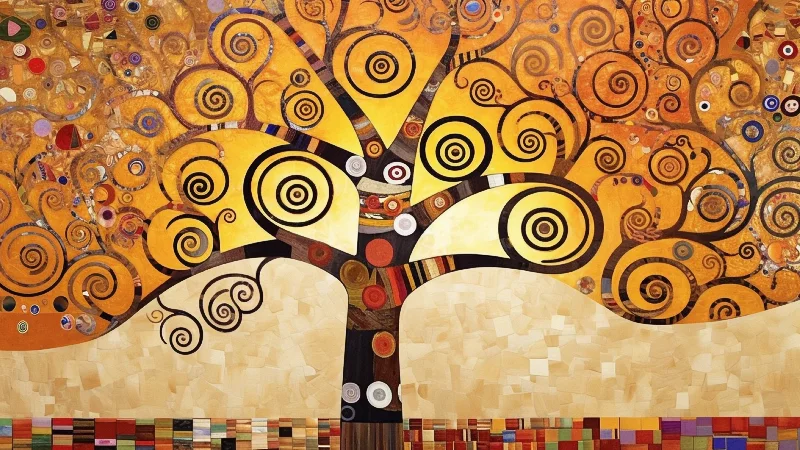 Tree of Life in Amber Gold
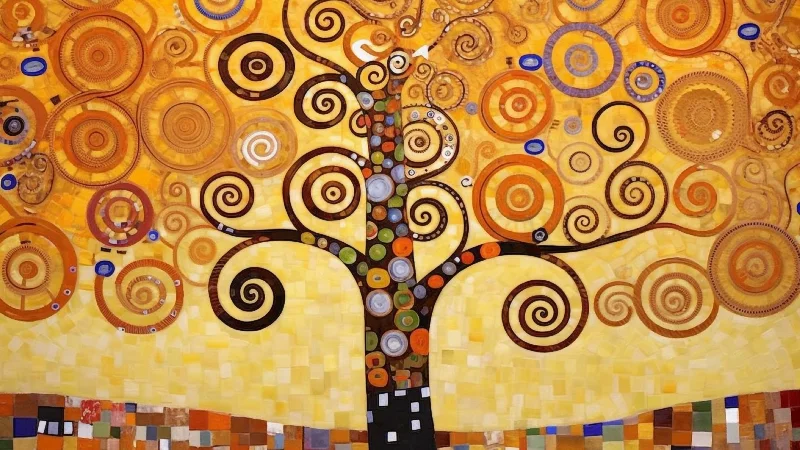 The Mosaic Tree of Life
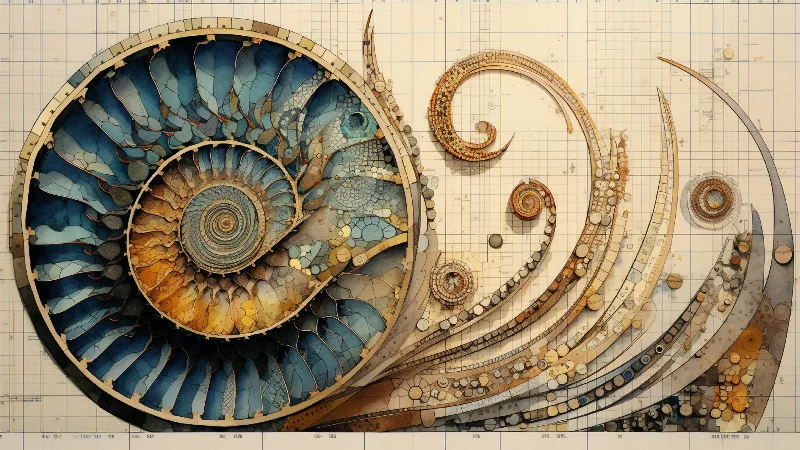 The Blue Nautilus Blueprint
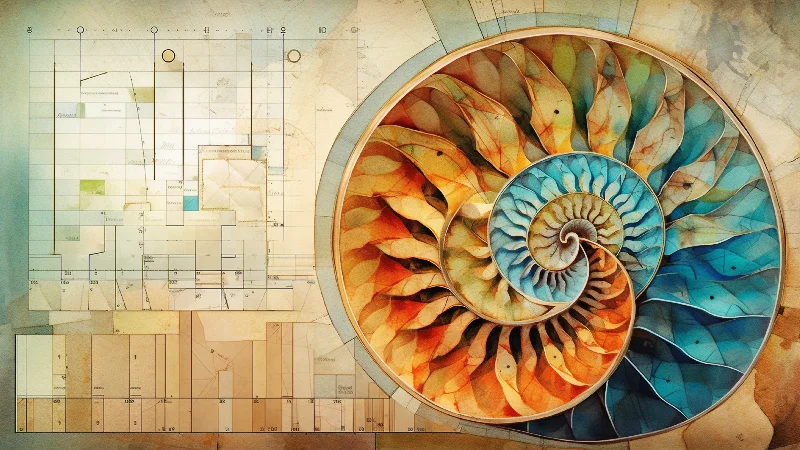 The Architect's Nautilus
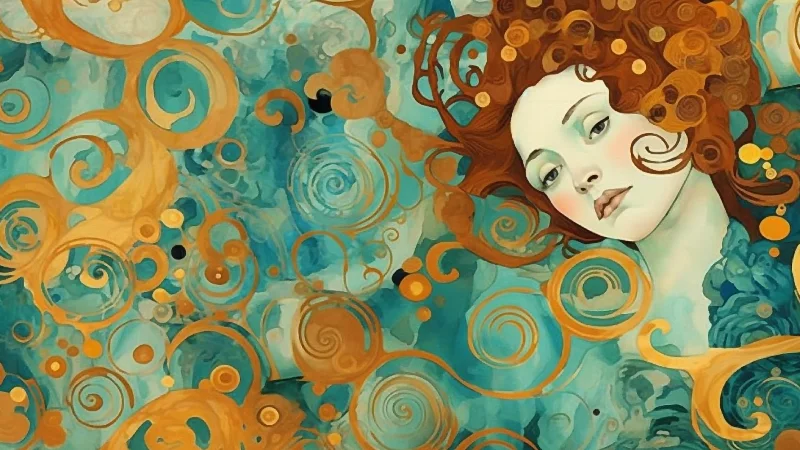 The Teal Muse
 Gold Moons on Teal
 Turquoise Spirals in Gold
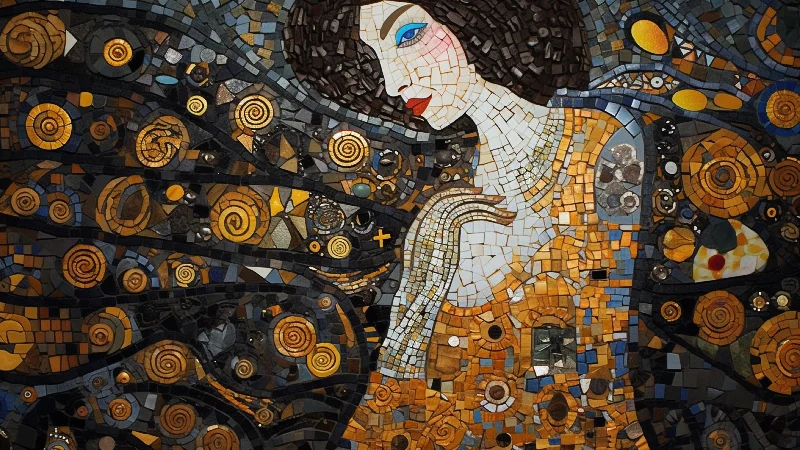 The Night Mosaic Muse
 The Poppy Cheek
 The Golden Gaze
 The Amber Veil
 The Copper-Haired Muse
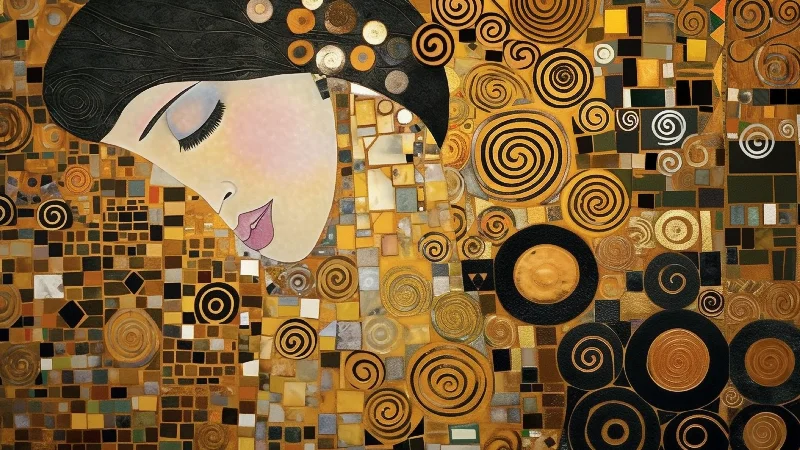 The Golden Sleeper
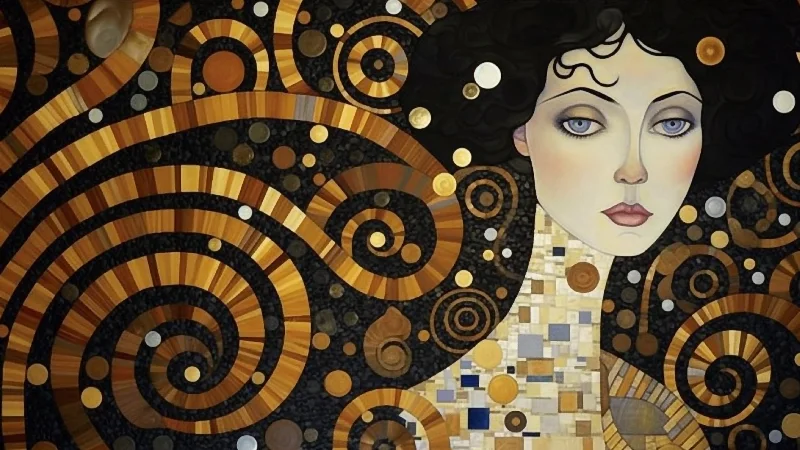 The Spiral Muse
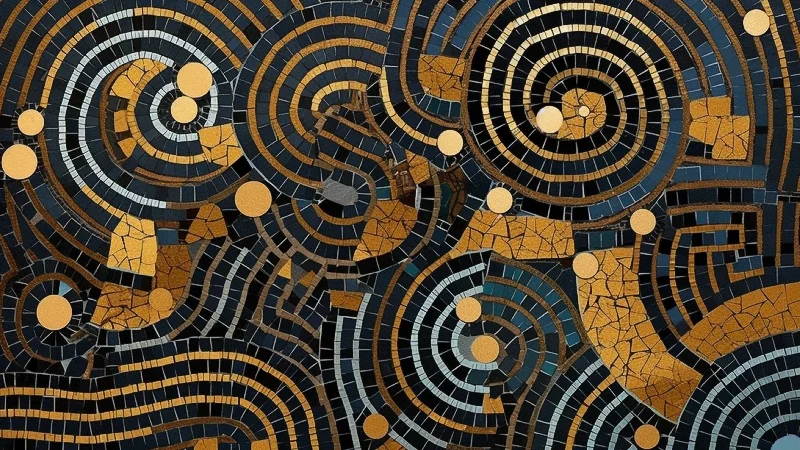 Midnight Mosaic Spirals
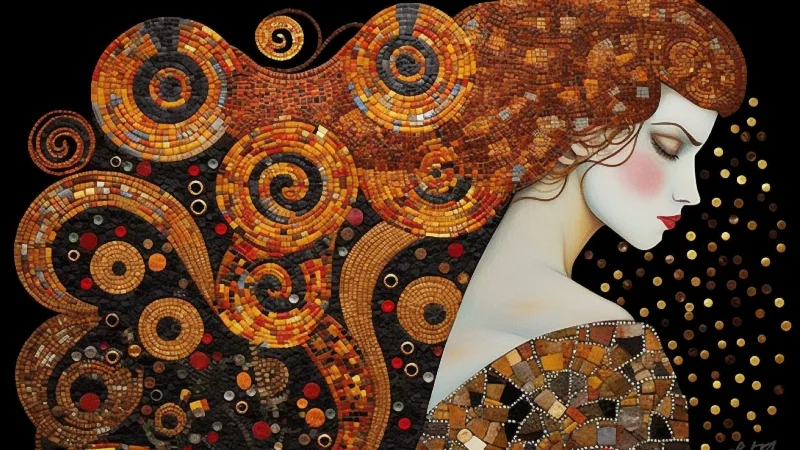 The Copper Crown
 The Ivory Profile
 The Golden River
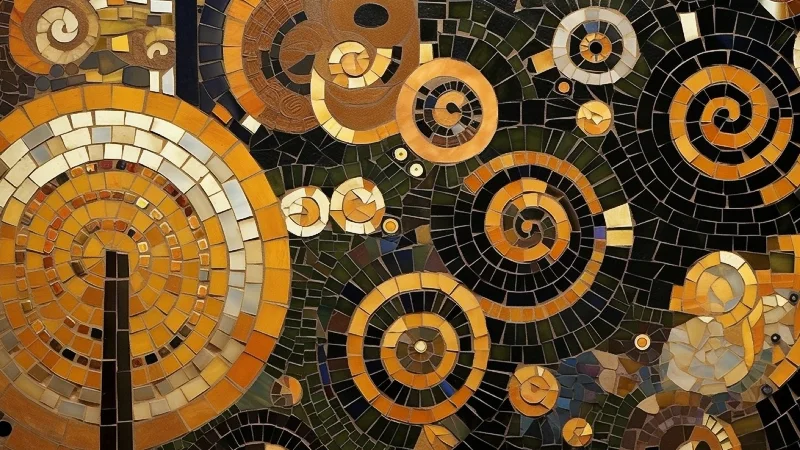 Emerald Night Spirals
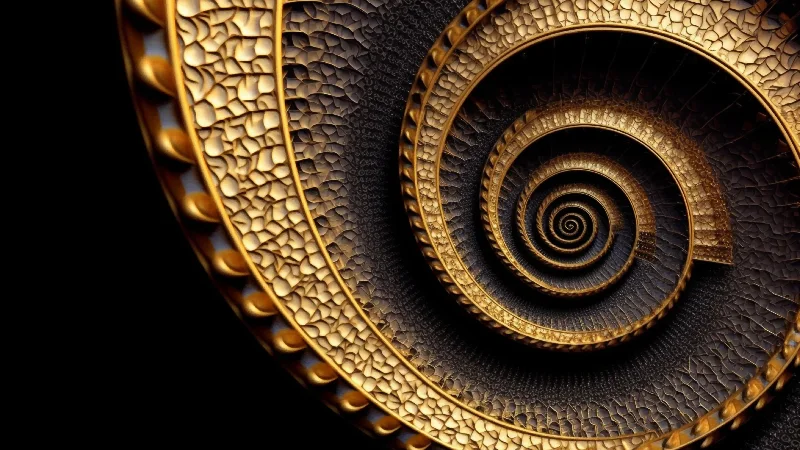 The Golden Spiral
 The Tiled Golden Spiral
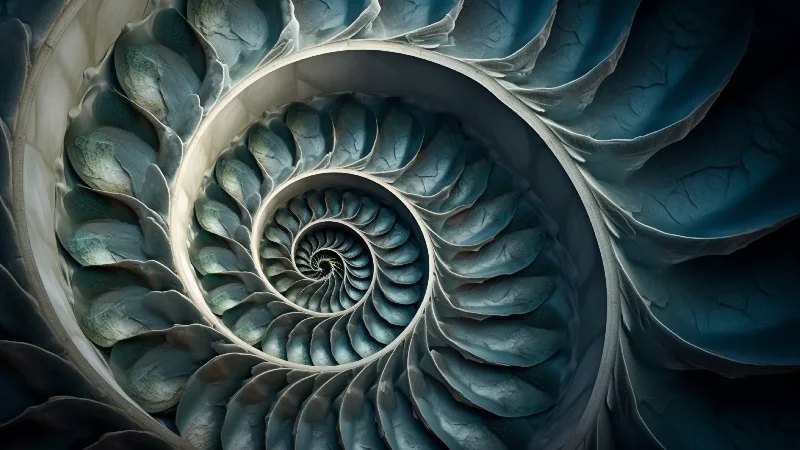 The Slate Nautilus
 Marbled Midnight and Gold
What is TV art?
TV art is a still image shown on a television when you are not watching anything, so the black rectangle on your wall becomes a picture. On art TVs such as Samsung's The Frame this is called Art Mode: the set switches to a dedicated picture display, often with a digital mat around the image and a sensor that adapts the screen to the light in the room. On an ordinary 4K TV you get much the same effect with a screensaver, a photo slideshow or a picture opened from a USB stick.
The works on this page were made as Frame TV art first: each one is composed in 16:9, the shape of every modern TV, so nothing is cropped and there are no black bars. They include mosaic portraits and trees of life in a Klimt-inspired style, nautilus shells and golden spirals, architectural blueprints drawn in gold, hummingbirds, marbled gold, a celestial orrery and a white paper nautilus.
Which TVs can show art?
Samsung's The Frame is the best-known Samsung art TV and the reason most people look for art for a Samsung Frame TV. The current range includes The Frame (QLED 4K) and The Frame Pro (Neo QLED 4K); the 2025 and 2026 models have a matte, anti-reflection screen, so a picture looks less like glass and more like a print. Samsung has also brought its Art Store to many of its 2025 Neo QLED and QLED TVs.
Other brands now make art TVs too. Hisense sells the CanvasTV, a 4K QLED set with an anti-glare matte screen and Art Mode, from 55 to 85 inches. TCL's NXTFRAME has a matte anti-reflective screen, an art library with adjustable mats and a gallery for your own photos. LG introduced its Gallery TV for 2026, with a Gallery Mode and photo display through Google Photos, and Amazon's Ember Artline, also from 2026, has a matte 4K QLED screen and shows your own pictures from Amazon Photos. You do not need any of them, though: every 4K TV can display a still image.
How to put your own picture on a Samsung Frame TV
The simplest route is the SmartThings app on your phone. Open the app, go to Devices and select your TV, tap Art Mode, then Add Your Photos. Choose the image, tap Save on The Frame, then select it to show it on the screen. Save the 3840 × 2160 file from the 4K TV pack to your phone first, so the TV receives the full-resolution version.
You can also use a USB stick plugged into the One Connect box. With the TV in Art Mode, open My Collection, select the USB device, choose Save, highlight the image and select Save Selected. The picture then appears under My Photos.
Next, look at the mat options, which are what make Samsung Frame art look framed. Depending on your model and software version, you can choose a mat style and colour or show the image without one. As these works are already 16:9, full screen gives the cleanest result. In the Art Mode settings you can also adjust brightness, colour tone, motion sensor sensitivity and the Sleep after timer, which switches the screen off when nobody has been in the room for a while.
How to show 4K art on any other TV
Almost every smart TV has a media or photo player. Copy the file to a USB stick, plug it in, open the image in the TV's media app and leave it on screen. Many sets start a screensaver or switch off after a set time, so check the screensaver and energy-saving settings.
On Google TV, including Chromecast with Google TV and Google TV Streamer, open Settings, System, Ambient mode, choose Google Photos as the source and select an album; the Basic style shows images full screen. On Apple TV, go to Settings, General, Screen Saver, Type, choose My Photos and pick an album. Fire TV models with the Ambient Experience can show your own photos as well.
On an OLED TV, rotate several works rather than leaving one still image on for days: OLED panels can retain static images, which is why most include pixel-shift and screen-saving features.
Resolution explained: 4K, QHD and Full HD
4K UHD, the resolution of almost every new TV, is 3840 × 2160 pixels – about 8.3 million pixels in a 16:9 rectangle. When an image matches the panel exactly, each pixel of the file lands on one pixel of the screen, and fine detail stays crisp: the tesserae of a mosaic, the hairlines of a blueprint, the feathers of a hummingbird. A file in another shape is cropped or framed by bars; one of another size is scaled, which softens edges.
That is why the 4K TV pack contains three versions. 3840 × 2160 is for 4K TVs and art TVs. 2560 × 1440 (QHD) suits many monitors and laptops, so the same picture can be your desktop too – real 4K art wallpaper for your TV and computer. 1920 × 1080 (Full HD) is for older or smaller TVs and many digital photo frames.
The print file is 7680 × 4320 pixels, four times the pixel count of 4K. At 300 pixels per inch that gives a print of about 65 × 37 cm; at 150 ppi, which still looks sharp from normal viewing distance, about 130 × 73 cm – large enough for a statement piece of horizontal wall art above a sofa or sideboard.
Getting gold to look right on a screen
Gold is a reflective metal and a screen can only emit light, so no display reproduces real gold leaf. A well-made image suggests metal through contrast: bright, warm highlights beside deep browns and near-blacks. These works are built that way, so they read as gold rather than flat yellow.
The most common mistake is too much brightness. At full brightness a picture glows like a lightbox. In Art Mode, lower the brightness until the image sits at roughly the level of the wall around it, and choose a warmer colour tone, because cool settings push gold towards green. On an ordinary TV, avoid Vivid or Dynamic modes and use Movie, Filmmaker or a calibrated mode.
A matte or anti-glare screen helps a great deal, because reflections of windows and lamps break the illusion of a print. If your TV has a brightness sensor, leave it on so the picture dims with the room in the evening. In a very dark room an LCD TV can show its blacks as dark grey; lower the brightness further or choose a lighter work such as the white paper nautilus.
TV art or a printed picture?
A printed picture lives by reflected light. It has texture, needs no power, never shows a menu, and its gold tones shift gently as daylight changes. A TV gives you variety: a tree of life in winter, hummingbirds in spring, a different piece for the evening, changed in seconds.
Many people do both. Every work on this page is available either way, so you can print one piece for a hallway or bedroom and keep a rotation on the TV in the living room. As landscape wall art, the print file suits fine-art paper or canvas.
Choosing art for a TV wall
Start with the room rather than the screen. The black edge of a TV is the strongest line on the wall, and dark gold works bridge it: their deep backgrounds blend into the bezel, so the picture seems to float. On a pale wall, a lighter piece such as the white paper nautilus or marbled gold makes the TV disappear by matching the wall instead.
Then think about what the room is for. The blueprints in gold suit a study or home office; the celestial orrery suits a library corner; mosaic portraits and trees of life bring warmth to a living room with wood, brass or velvet; hummingbirds lift a bright kitchen-diner; the nautilus and golden-spiral pieces are calm enough to leave on all day. Gold sits especially well with brass, warm oak, and olive, deep green or navy walls.
Licences: home use and commercial display
A standard purchase is for personal use: you may show the work on your own screens at home or, with the print download, print it for your own home. It does not allow you to resell, share or redistribute the file.
Showing art to guests or customers is commercial display and needs a commercial licence – in hotels, restaurants, cafés and bars, offices and reception areas, clinics and waiting rooms. A commercial licence covers one venue: one hotel, one restaurant, one office or one practice. Each further location needs its own licence.
FAQ
What size should art for a Samsung Frame TV be?
3840 × 2160 pixels in 16:9, the native resolution of every 4K Frame model. A 55-inch and an 85-inch Frame have the same number of pixels, so one file fills both exactly.
Can I use these works on a TV other than The Frame?
Yes. The files are standard images that any 4K TV, art TV, streaming device or monitor can show, via USB, Google Photos, an Apple TV album or a TV's own photo features.
Do I need a Samsung Art Store subscription?
No. The Samsung Art Store is Samsung's own subscription service. Your own pictures go into My Photos on The Frame without a subscription, and a work bought here is a file you keep.
Is this the same as a free 4K wallpaper?
No. These are original artworks by Raul Gabriel Nagy, composed for the 16:9 screen and supplied at the exact resolution of your TV.
Will a still picture damage my TV?
LCD-based TVs, including QLED models such as The Frame, are not considered at risk of permanent burn-in. OLED TVs can retain static images, so rotate several works there.
Can I print the files from the 4K TV pack?
Only small: 3840 × 2160 gives about 32 × 18 cm at 300 ppi. For a print, choose Download for print, with its 7680 × 4320 px file.
Can I show the art in my hotel, restaurant or office?
Yes, with a commercial licence, which covers display at one venue. The standard purchase is for personal use at home.
For a wall you're responsible for.
Tell me the room and what you want it to feel like. I will send three works that fit, and a mock-up of each one in place.
Write to me