GUIDES · IN THE ROOM
Golden ratio calculator: any number, any wall.
Type a length and watch it divide by the golden ratio — the long part, the short part and the golden rectangle, drawn as you type. Then size a picture for your sofa or wall and see it in the room.
Split any length in the golden ratio
Enter a number and say what it is: the whole length, the long part or the short part. The other two appear at once, and the drawing shows how they fit together — a square and a smaller golden rectangle, again and again, with the golden spiral running through them.
- Golden rectangle from your number
- —
- Golden section of your number
- —
- The formula, with your numbers
- —
What size picture does your wall need?
Enter the width of a sofa, a sideboard or an empty wall. The picture is sized by the golden ratio and shown in a real room — switch rooms, change the frame, drag the picture, or upload a photo of your own wall. Pick a work to see it in the frame.
| Result | Value | How it is worked out |
|---|---|---|
| Picture width | — | width ÷ 1.618 |
| Height at golden proportions | — | picture width ÷ 1.618 (landscape) · × 1.618 (portrait) |
| Golden section from the left | — | width × 0.382 |
| Golden section from the right | — | width × 0.618 |
| Fibonacci unit (width ÷ 13) | — | for a 13 × 8 layout of squares |
| Nearest print size | — | standard formats, landscape · portrait |
| Hanging height | — | eye level; lower over furniture |
| Best viewing distance | — | 1.5 to 2 × the diagonal of the picture |
Picture width
Largest picture width · comfortable minimum
Width
width ÷ 1.618
width ÷ 1.618 · ÷ 1.618 again
as entered
What each number means
Picture width is the width of the furniture divided by 1.618, which is about 60 percent — the size at which a picture belongs to the sofa or bed beneath it instead of floating above it. For an empty wall the calculator gives two numbers: the largest picture the wall wants (width ÷ 1.618) and a comfortable minimum (÷ 1.618 again). Choose toward the larger; almost everyone chooses too small.
Height at golden proportions is the picture width divided by 1.618 for a landscape format, or multiplied by it for a portrait format — the two golden rectangles that fit that width. Real prints come in standard sizes, so the last row rounds to the nearest of them; the guide on picture sizes for every room has the full table.
The golden section from the left and right is the point 38 percent in from either edge, which is where the centre of a single picture goes on a wall that has a feature — a window, a fireplace — pulling the eye to one side, and where the subject of a composition goes inside the frame. The two values add up to the width; pick the one that leaves the larger empty area on the side that deserves it.
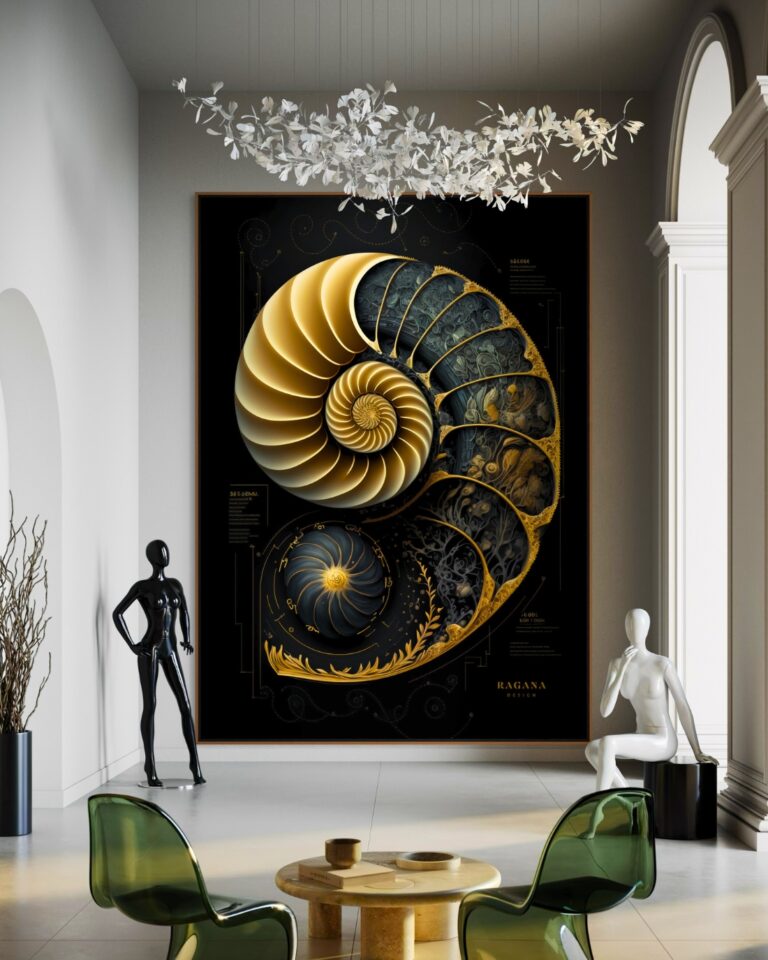
The Fibonacci unit is the width divided by 13. Lay out squares of 1, 1, 2, 3, 5 and 8 units and they fill a 13 × 8 rectangle exactly; the spiral through their corners is the golden spiral, and the largest square (8 units) is where the main subject sits in the geometric works here. If you want to check one of them, print it, measure the largest square and the next, and divide: you will get 1.6 and change.
The arithmetic, if you want it
The golden ratio is (1 + √5) ÷ 2 = 1.6180339887… Its reciprocal is 0.618, and 1 − 0.618 = 0.382, which is why the golden section is at 38 and 62 percent. A golden rectangle is 1.618 to 1; cut a square from it and the remainder is another golden rectangle. The numbers in this calculator are those three operations — divide by 1.618, multiply by 1.618, multiply by 0.382 — applied to whatever you type.
| Operation | Factor | Use |
|---|---|---|
| Width ÷ 1.618 | × 0.618 | Picture width over furniture; landscape height from a width |
| Width × 1.618 | × 1.618 | Portrait height from a width; the next size up in a type scale |
| Width × 0.382 | × 0.382 | Golden section from the nearer edge; hook position on a wide frame |
| Width ÷ 13 | × 0.077 | Fibonacci unit for a 13 × 8 layout of squares |
| Circle ÷ 1.618 | 137.5° | Golden angle — how plants place seeds and leaves |
From the number to the wall
Once you have the picture width, the hanging guide gives the height — centre at 150 cm on a bare wall, 15 to 25 cm above furniture — and the printing guide covers paper and surfaces. Every download on this site prints sharp at the sizes the calculator produces, up to about 150 cm on the long side. If you would rather see it than calculate it, send a photograph of the wall and its width and you will get three works shown in place at the size the wall wants.
Questions
What is the golden ratio formula?
φ = (1 + √5) ÷ 2 = 1.6180339887… A length is split in the golden ratio when the whole divided by the long part equals the long part divided by the short part: (a + b) ÷ a = a ÷ b = φ. So a = (a + b) ÷ 1.618 and b = a ÷ 1.618.
How do I calculate the golden ratio of a number?
Divide it by 1.618 to get the long part, and subtract that from the number to get the short part. For 100: 100 ÷ 1.618 = 61.8 and 100 − 61.8 = 38.2. To find the length that a number is the long part of, multiply by 1.618 instead.
A painting is 4 metres wide and in the golden ratio. How tall is it?
4 m ÷ 1.618 = 2.47 m, about 247 cm, if it hangs in landscape. In portrait it would be 4 m × 1.618 = 6.47 m tall.
How big should a picture be over a sofa?
The sofa width divided by 1.618 — about 60 percent. A 200 cm sofa takes a picture about 125 cm wide. Type the sofa width into the calculator above for the exact figure and the nearest print size.
What is the golden section of a width?
38.2 percent in from one edge, or 61.8 percent from the other: width × 0.382 and width × 0.618. It is where a single picture goes on a wall with a feature, and where a subject goes inside a frame.
How do I make a golden rectangle from a width?
Divide the width by 1.618 for the height of a landscape rectangle, or multiply by 1.618 for a portrait one. A 100 cm width gives 62 cm or 162 cm.
Does the calculator store anything?
No. It runs in your browser and sends nothing anywhere.
For a wall you're responsible for.
Tell me the room and what you want it to feel like. I will send three works that fit, and a mock-up of each one in place.
Write to me